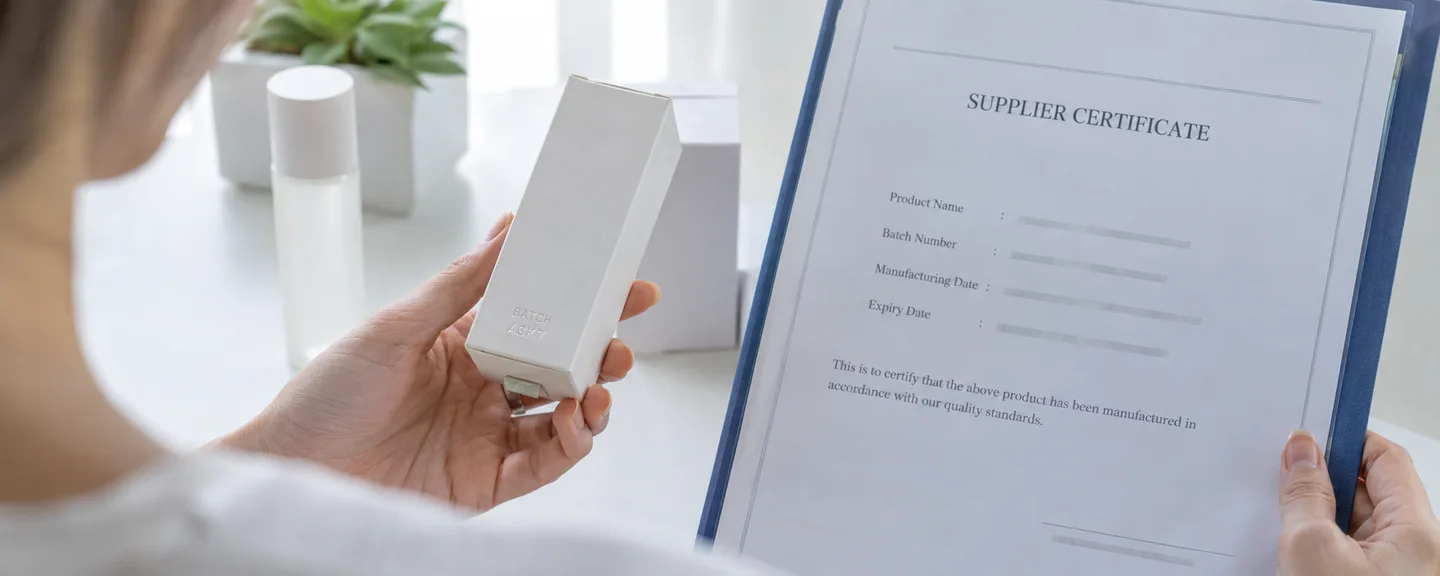
You received an email about an inbound shipment issue, a "Problem" appeared on your shipment plan, or you can no longer create shipments for a particular ASIN. This article is for FBA sellers in that situation. We walk through, in order, where to check notifications, how to sort the issues, how to decide between accepting and disputing, how to reconcile your inventory against your shipment records, and how to take corrective action and prevent recurrence. When a notification arrives, first identify the shipment by its shipment ID, then check whether new shipments are blocked and the scope of the block (per product or per shipment), and whether any fees were charged.
What an inbound shipment issue is: a record of problems found when the FC receives your shipment
An "inbound shipment issue" (納品不備, also called a "problem at receiving" (受領時の問題) in Help) is the umbrella term for problems with labeling, packaging, quantities, safety and so on that are found when a fulfillment center (FC, an Amazon logistics facility) receives your products and scans their barcodes.
Under the FBA Service Terms (part of the Business Solutions Agreement), units (individual items) that are not properly packaged or labeled may also be returned at the seller's expense, or reworked with a service fee charged. "Unfulfillable units," such as those missing a required label, may be refused at receiving.
This article is based on Amazon Help as of September 2026. Terms, fees and on-screen labels can change, so please also check the latest Help content.
A separate program from the "unsuitable inventory investigations policy"
The "unsuitable inventory investigations policy" (不適切な在庫の調査に関するポリシー), which is often confused with inbound shipment issues, is a program under which Amazon holds and investigates FBA inventory suspected of being counterfeit, illegal or restricted. You may be asked for documents on identity verification, authenticity and legal compliance, and if you do not submit them by the deadline, for example, the inventory may be disposed of. If your notification mentions authenticity or counterfeits, first confirm the deadline and how to submit, then treat it as a separate issue, referring to organizing documents when you receive a product authenticity review and steps for responding to an authenticity review.
Where to check notifications: using email and four screens
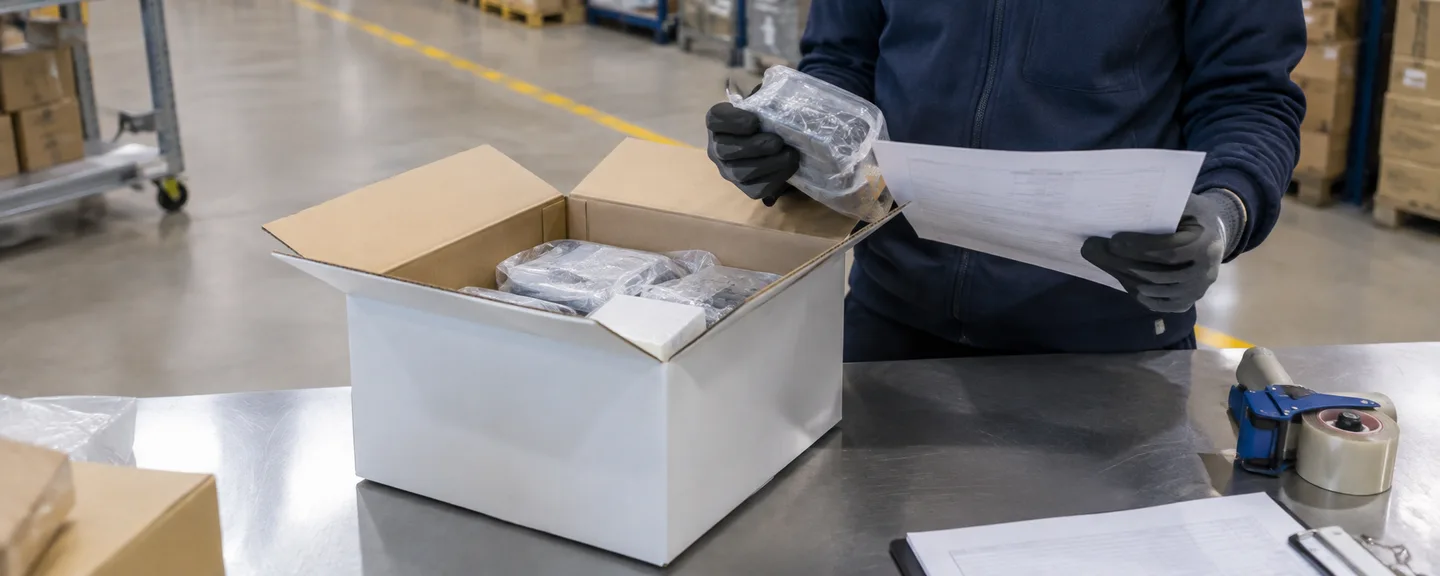
Emails are sent for each shipment received at an FC and for each problem type (if one shipment has two problem types, you get two notifications). Each email lists the destination, shipment ID and receiving date, and a link opens the details in the shipment plan management page (納品プランの管理). Identify the shipment by its shipment ID, not by the subject line. You will not receive these emails if the "inbound shipment issue notification" (納品時の不備内容通知) setting is turned off.
| Where to check | Scope | What to look at |
|---|---|---|
| Inbound performance dashboard (納品のパフォーマンスダッシュボード, also called the inbound shipment issue dashboard / 納品不備ダッシュボード) | Past 120 days | The "acceptable problem rate" and "current problem rate" for each problem group, the coaching level (three levels: Minor, Elevated and Critical; see below), unresolved problems, and suspension status |
| Inbound shipment issue report (納品不備レポート) | Past 365 days | Line-item details and fees for each problem (downloadable) |
| Inbound shipment issue list (納品不備一覧) | A list of problems at receiving (check Help and the screen for the period covered) | Which shipment has which problem |
| "Shipment contents" (納品の内容) → "Problems" (問題) tab for each shipment | That shipment only | Details of the problem, recommended actions, and the "Resolve" (解決) action |
How to open the dashboard and who can view it
Open the dashboard from "Inbound performance" (納品のパフォーマンス) in the "Shipments" (納品) menu under "Inventory" (在庫) → "Fulfillment by Amazon (FBA) shipments" (フルフィルメント by Amazon(FBA)の納品). Levels are shown in red for Critical, yellow for Elevated and blue for Minor. Screen names can change, so if you can't find it, search Help for "inbound performance dashboard" (納品のパフォーマンスダッシュボード) to confirm how to open it.
By default, viewing permission belongs to the account administrator. You can grant it to staff under "Settings" (設定) → "User Permissions" (ユーザー権限) by checking "View" (表示) for "Inbound performance dashboard." Problem rates are calculated daily, but can take up to 48 hours to be reflected.
Columns in the inbound shipment issue report to use for reconciliation
Columns worth noting
- Date the problem was reported and shipment creation date
- FBA shipment ID and FBA box ID (which box in which shipment)
- Seller SKU, FNSKU (the product-specific number printed on Amazon's product label) and ASIN
- Problem type, quantity, expected quantity and quantity shipped
- Severity of the inbound shipment issue (Minor, Elevated or Critical), fee type and total
Sort first: is the block per product or per shipment?
Depending on the issue, new shipments may be temporarily blocked, and the scope of the block (per product or per shipment) differs. If you have received a block notice, first confirm which type applies.
| Block unit | Main reasons (examples from Help) | What is blocked |
|---|---|---|
| Per product (ASIN) | Poly bagging, taping or bubble wrap required; barcode label unscannable or incorrect; items added or not in the shipment settings; shipped to the wrong FC; damaged on arrival; expiration date problems; suffocation warning label required; labeling required | You can't create new shipments for that ASIN only. Other SKUs can still be shipped |
| Per shipment | Overweight or oversized boxes; improper packing materials; leaking, sharp or electrical hazards; box missing a shipment ID; restricted products; shipping label unscannable or missing; multiple shipment IDs on one box | You can't create or update shipments until you accept the problem |
For a per-ASIN block, you receive an email for each ASIN listing the problems that occurred with that ASIN over the past 90 days and the number of units affected. For a per-shipment block, you receive an email listing the shipment ID and the problem. Notices also appear on the home page and in the shipment plan management page. Missing product labels and taping, bagging or bubble-wrap packaging problems may also be subject to the fees described below.
Accept or dispute: compare the FC's report with your own records
Before rushing to accept, confirm whether the report is accurate in the following order.
STEP 1. Review the report and photos in the "Problems" tab
In the shipment plan management page, open "Track shipment" (配送状況の確認) for the relevant shipment, then click "Resolve" in the "Problems" tab. Where applicable, photos taken at the FC and guidance on how to avoid the problem are displayed.
STEP 2. Compare against your own shipping records
Your own records that can be used for comparison
- Photos taken before sealing (the labeled side and the box contents)
- Contents list for each box (SKUs and quantities)
- Copies of printed labels and the print settings used
- Records of box weights and dimensions
- Carrier tracking numbers and the number of boxes at pickup
- For direct shipments from suppliers, the supplier's shipping records
STEP 3. If the report is accurate, accept it and record your corrective actions
To get back to a state where you can create shipments, either review the details via "Resolve" in the "Problems" tab, or, from the error shown when you try to create a shipment plan for a blocked ASIN, open "Resolve now" (今すぐ解決; on some pages, "Please review" / 確認してください) and click "Agree" (同意する). Once you accept, this block on new shipments is lifted (a fixed-period block at the Critical coaching level is a separate mechanism). The underlying cause, however, remains.
Examples of items to include in your corrective action record: date / shipment ID and FNSKU / problem reported / cause (who, at which step) / procedure changed / how and by whom it will be checked on the next shipment
STEP 4. If the report is inaccurate, file a dispute
In the "Problems" tab, go to "Resolve" → "Dispute" (異議申立て). Submitting creates a case, and according to Help you will normally receive a confirmation email within three business days (another section says "please wait three days"), but no timeframe is given for when a decision will be reached. During this time, check whether the block is still in effect using the "Suspension" (一時停止) indicator on the dashboard or the error shown when creating a shipment plan, and don't plan your next shipment on the assumption that the dispute will be upheld. For keeping a record of your correspondence, see how to organize your inquiries to Technical Support.
Checking and disputing fees if you are charged
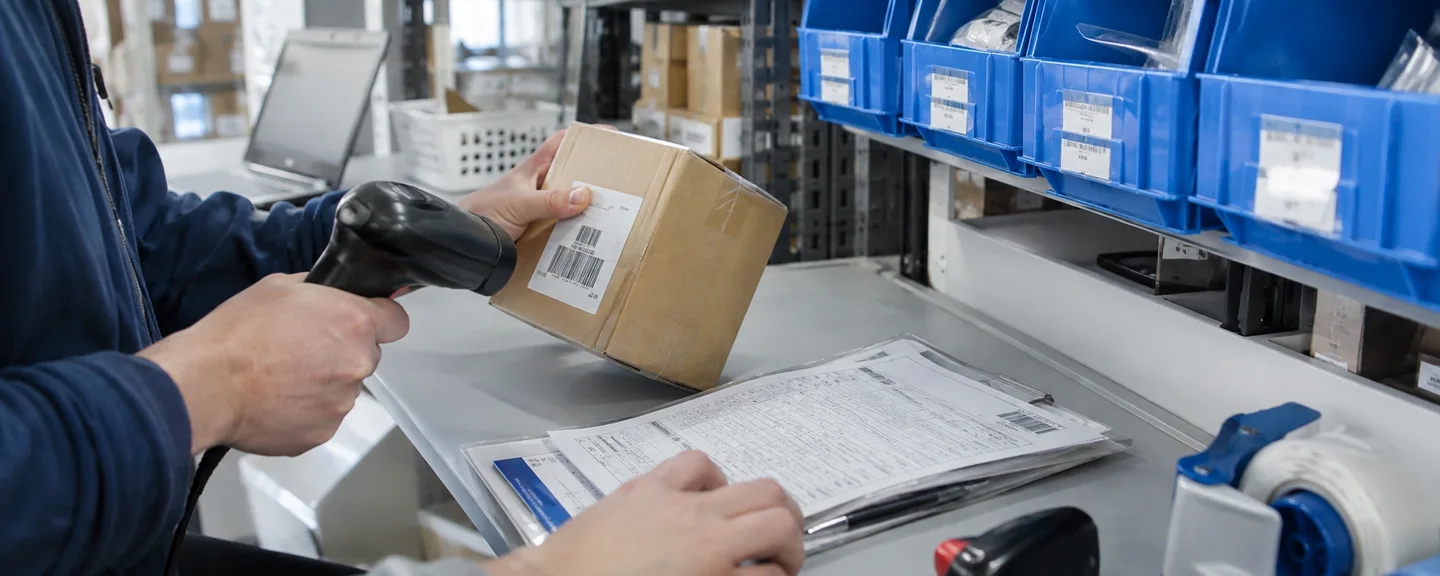
Whether you accept or dispute, check separately whether any fees were charged. The "inbound issue receiving fee" (納品不備受領作業手数料) is charged per unit when items arrive without proper prep or labeling and require unplanned receiving work. The table in Help at the time of writing is as follows (it does not state whether tax is included).
| Problem | Minor | Elevated | Critical |
|---|---|---|---|
| Unlabeled (no product label) | ¥51 | ¥81 | ¥81 |
| Packaging (taping) | ¥51 | ¥81 | ¥81 |
| Packaging (poly bagging) | ¥92 | ¥102 | ¥102 |
| Packaging (bubble wrap) | ¥92 | ¥122 | ¥122 |
Fees are charged only when Amazon has images documenting the problem; without images, you only receive a warning notice (those images are not necessarily shown on the seller's screen). You can check the amount charged in the "Total fees" (手数料の合計) column of the inbound shipment issue report, in the "Problems" tab, and under "Service fees" (サービス料金) in "Payments" (ペイメント) → "Transactions" (トランザクション). If your records indicate a charge is wrong, file a dispute within 30 days of the date the problem was reported. If a refund is approved, it will be issued in your next disbursement.
Reconcile inventory and shipment records: the order for investigating quantity discrepancies
Check quantity problems and "missing" indicators in the following order.
- Check the shipment status: The status progresses from Shipped → In transit → Delivered → Checked in → Receiving → Closed. There are guideline timeframes for each stage (for example, up to 4 days from Delivered to Checked in for small parcel delivery), but even Amazon cannot manually speed up receiving.
- Look for discrepancies in the "Contents" (商品) tab of "Shipment contents": You can file a receiving discrepancy inquiry only for shipments with a status of "Closed" (完了). A shipment closes once all units are received or more than 90 days have passed since the plan was created, whichever comes first.
- Use the Inventory Ledger report (在庫元帳レポート) to look for receipt under a different ID or SKU: When there are multiple shipments to the same FC, units may be received under a different shipment ID and show as missing even though they are in inventory. Use the Inventory Ledger report (up to 18 months of data) to check receipts and adjustments for the FNSKU in question, and whether units were received under the wrong SKU.
- If a discrepancy remains, request an investigation: For items under "Action required" (必要なアクション), if you actually didn't ship units or shipped too many, choose "I didn't ship these items" (商品を発送していません) or "I shipped extra items" (商品を多く発送しました); if the quantity shipped and the quantity received don't match, choose "Investigate missing items" (行方がわからない商品を調査する) or "Investigate extra items" (余分な商品を調査する). Confirm the quantity shipped against your records, then submit with files and additional information attached. Inquiries normally take 2–30 days and can take up to 60 days.
The following is a sample of how to write the additional information; it is not an actual case.
We shipped 24 units of the FNSKU in question in 2 boxes, as specified in the shipment plan, but the received quantity shows 22 units. Attached are the contents list for each box and the supplier's invoice. We found no receipts under other shipment IDs in the Inventory Ledger report. Please confirm the received quantity.
Documents requested for an investigation
- Proof of inventory ownership: the supplier's invoice or similar (must show the purchase date, product name and quantity purchased; prices may be redacted)
- Proof of delivery: for pallet (LTL) or truckload shipments, documents showing the number of boxes and total weight at pickup
- Format: PDF, JPG, JPEG, PNG or TIFF (editable formats and quotes are not accepted)
- For high-value items or shipments more than 60 days old, information that proves the purchase, such as the supplier's receipt, is required
For documents you don't have on hand, ask your supplier to reissue them through proper channels, and submit them without altering their contents such as dates, product names or quantities, except for redacting prices as permitted in Help (see also what to do when you are told an invoice is forged or altered).
Reimbursement claims and deadlines for unfulfillable inventory
Claims for reimbursement of units lost or damaged in an inbound shipment must be filed within 9 months of the date delivery to the FC was confirmed: from the receiving discrepancy inquiry tab for lost units, or from the Contact Us page for damaged units (one claim per delivery, up to ¥675,000 per unit). Conditions include having sent the products and quantities specified in the shipment plan; items not in the plan (including substitutes) may be returned or disposed of at the seller's expense, or incur fees. Inventory classified as "unfulfillable" (販売不可) after receiving is held for 30 days and is automatically disposed of if no removal/disposal order is submitted.
The coaching level timeline: understanding the 21-day and 120-day rules
Amazon compares each problem group's problem rate over the past 120 days with the "acceptable problem rate" to determine the coaching level. The acceptable rate is determined by factors such as comparison with sellers of similar size, and no fixed values are published. The problem rate is either "number of shipments with problems ÷ total number of shipments sent" (shipment level) or "number of units with problems ÷ total number of units shipped" (unit level). Safety problems are judged by the number of occurrences, and the acceptable rate is 0.
| Level | Conditions |
|---|---|
| Minor | Below the acceptable rate, or above it for fewer than 21 days |
| Elevated | Above the acceptable rate for more than 21 days, and problems were found in shipments created on or after day 21 |
| Critical | Remained above the acceptable rate for at least 21 days after reaching Elevated, and problems were found in shipments created during that period |
| Return to Minor | When the rate falls below the acceptable rate on or after day 120 from the date the level became Elevated or Critical. Applies to sellers who sent inventory during those 120 days |
The response at each level differs by problem group.
- Product packaging and labeling: At Elevated, you may be asked to submit an appeal; at Critical, Amazon may package and label the affected FNSKUs and charge a per-unit fee.
- Quantity: At Critical, you may be unable to create new shipment plans to FCs for a set period (24–120 hours).
- Safety: At Critical, Amazon asks you to submit an appeal, and repeated problems may prevent you from creating new shipments for a set period (24–120 hours).
- Missing box labels: At any level, you can't create your next shipment plan until you review the Help content and agree to it.
If you are asked to submit an appeal, state the cause, corrective actions and preventive measures specifically (see how to structure a plan of action).
How to operate after corrective action
Even after you respond to an issue notification, the problem rate is not recalculated until new shipments are received, and the return to Minor applies only to sellers who shipped during that 120-day period. So, as our own approach rather than an Amazon instruction, for the first few shipments after corrective action we recommend not splitting a single shipment plan, and shipping manageable quantities that meet the requirements, to limit the impact if an issue does occur. Check the dashboard once or twice a week and record the trend to confirm your measures are working.
Corrective action and prevention: what to check before shipping
Barcode requirement changes from March 31, 2026
From March 31, 2026, resellers (including authorized resellers) must apply Amazon product labels (X00 labels) even to products that have a manufacturer barcode. Brand owners who are Brand Registry brand representatives can continue to use manufacturer barcodes. Inventory arriving from resellers without product labels on or after that date is treated as defective; Amazon will attempt to fix it, and you will be notified on the inbound shipment issue dashboard. Products without labels meeting the requirements are not eligible for reimbursement (inventory already in storage or in transit before that date requires no action). Check the details in the "FBA barcode requirements" (FBAのバーコード要件) Help page, and decide who will apply labels and when for each sourcing channel.
If labeling in-house is too much work, another option is the FBA Label Service (商品ラベル貼付サービス), where Amazon applies the labels (per label, ¥22 for small and standard-size items and ¥51 for oversize items, tax included; packaging is not included, and shipping to the FC is at the seller's expense). Check Help for eligibility requirements (such as having a scannable manufacturer barcode).
Pre-shipment checklist
Product labels
- Do the FNSKU, product name and condition match the product?
- Are all other scannable barcodes completely covered?
- Is the label applied to a flat surface (vertically on cylindrical products)?
- Is it printed in black on white, with the printer's scaling set to "None" (actual size)?
Packaging and boxes
- Are poly bags transparent, at least 1.5 mil (about 0.038 mm) thick, and completely sealed?
- Have you avoided prohibited packing materials such as loose packing peanuts or shredded paper?
- Are box dimensions and weights within the limits? (Boxes containing multiple standard-size units must be 50 × 60 × 50 cm or smaller. Check the latest weight limits in the "Shipping and routing requirements" (配送・経路指定要件) and "Small parcel delivery to Amazon" (Amazonへの個口配送) Help pages.)
- Have you applied heavy package labels to the top and sides of heavy boxes and heavy products, as instructed in Help?
- Have you applied an FBA shipping label to each box (no copying, reusing or repurposing labels) and kept it away from seams and tape?
- Have you removed or covered old labels on reused boxes?
Quantities, tracking and shipping methods
- For quantity changes of more than 5%, are you creating a new shipment plan instead of adding units?
- Are you avoiding splitting products from the same plan across different days, methods or multiple carriers?
- If not using a partnered carrier, are you uploading tracking numbers before the shipment arrives at the FC?
- Are you avoiding shipping services that can't be used for FBA shipments, such as Letter Pack or Nekopos?
If you use supplier direct shipments or outsourced prep
When shipping directly from a supplier to an FC, you must still ensure the supplier uses the correct FBA ID labels and meets all shipment requirements. To let suppliers obtain labels, you can also grant them restricted access to your selling account.
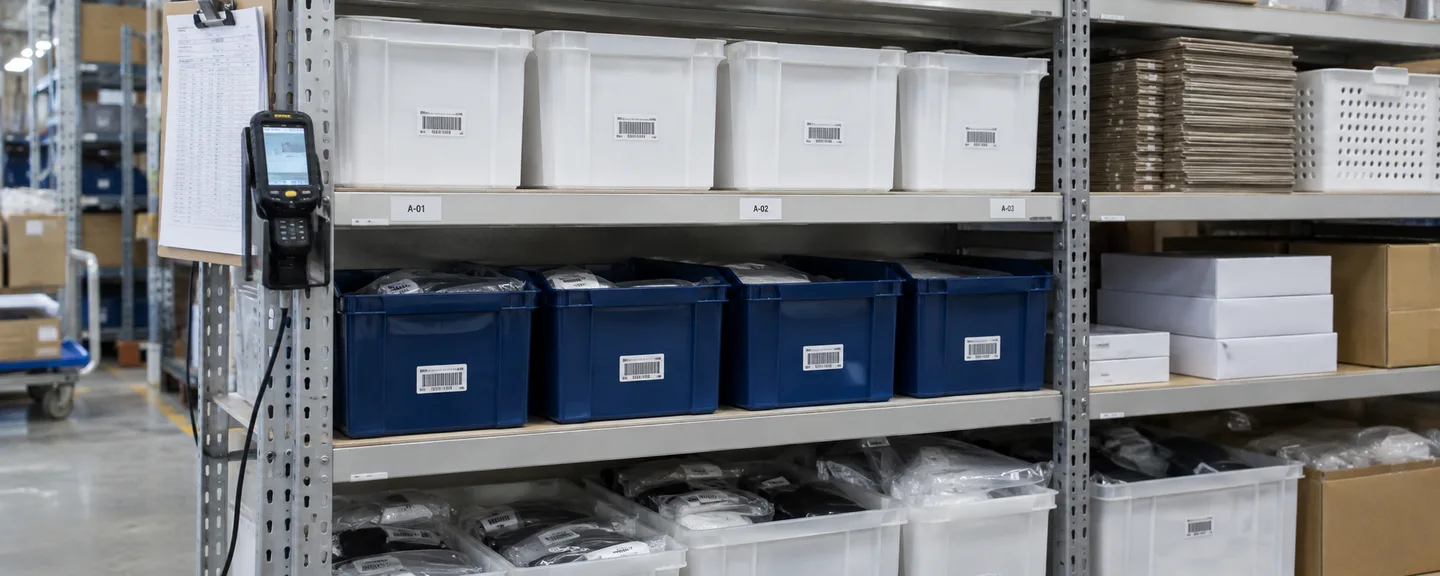
Put your checklist into practice by deciding who (you, your prep service or your supplier), when (before the box is closed) and what to keep on record (photos taken before sealing and a contents list for each box).
What not to do
- Accepting without reviewing the details: The cause remains, and if the same issues continue, your level may rise.
- Filing repeated disputes without grounds: Respond to accurate reports by accepting and correcting them, and reserve disputes for cases you can explain with your records.
- Re-sending returned products without notifying Amazon in advance: They may be refused at receiving again, with the costs borne by the seller.
- Altering documents: Documents in which anything other than prices has been changed or recreated, such as dates, quantities, product names or the issuer, may be judged as altered and can make the situation worse.
- Filing reimbursement claims before investigating: Claims filed without sufficient investigation, claims filed too early, and large numbers of claims in a short period are listed as examples of prohibited activity.
- Continuing to ship from another account: The Seller Code of Conduct states that you may have only one selling account unless you have a legitimate business need, and creating accounts to circumvent restrictions violates the policy.
Frequently asked questions
Q. Will I get a notification for a mistake involving just one unit?
A. Notifications are sent per shipment and per problem type, so you may receive one even for a single-unit issue. Levels are determined by the problem rate over 120 days, but safety problems (leaking, sharp or electrical hazards, overweight boxes, etc.) are judged by the number of occurrences with an acceptable rate of 0, so even one occurrence warrants attention.
Q. Will my account be suspended if inbound shipment issues continue?
A. Help does not state definitively either that they "lead directly" to suspension or that they "have no effect." Inbound shipment issues do not appear in the list of "policies included in the Account Health Rating," but Help states that sellers with many shipment problems may be subject to additional investigation or monitoring. We recommend also reviewing your Account Health Rating at the same time.
Q. What if I'm notified that "more units were received than expected"?
A. If you actually shipped extra units, Help instructs you to edit the quantity in the shipment plan to match the actual quantity (going forward, for quantity changes of more than 5%, create a new plan instead of adding units). If you don't recognize the discrepancy, compare it against the contents list for each box, then file an inquiry using "Investigate extra items" once the shipment is "Closed."
Q. The shipment was delivered, but receiving never seems to finish.
A. At some times of year, check-in and receiving can take longer than the guidelines in Help. Because you can't file a receiving discrepancy inquiry until the shipment is "Closed," start by checking the Inventory Ledger report for receipts under a different shipment ID.
Summary
Inbound shipment issues are records of problems found when an FC receives your shipment, and they are a separate program from the "unsuitable inventory investigations policy."
- Identify notifications by shipment ID, and check them on the dashboard, report, list and "Problems" tab
- Sort out whether the block is per product or per shipment, and whether fees were charged
- Compare against your own records: if the report is accurate, accept it and record your corrective actions; if not, file a dispute
- Check quantity discrepancies in the order: status → "Contents" tab → Inventory Ledger → investigation request
- With the 21-day and 120-day mechanisms in mind, make pre-shipment checks a habit
The more notifications pile up, the more important it is to verify the facts one by one before you act.
Need help with an FBA shipment deficiency notice?
We can help you sort out your situation at no cost, whether it involves the notice itself or a block on new shipments. Consultations are free, as often as you need.
 Free consultation, 24/7
 *This article provides a general explanation. The appropriate response in individual cases depends on the circumstances.