Before you close the Amazon account you use for shopping (your buyer account), this article walks through what will stop working, how to deal with balances, orders and recurring subscriptions, and how to check the impact on your selling account. For those who also sell on Amazon, we also cover cases where you can achieve your goal without closing the account at all.
In Amazon's Help pages and on screen, the term used is "close" (閉鎖), although the same Help pages also use the word 解約, which likewise means "cancel" or "close." In this article we use "close" so that you can find the relevant screens more easily. You cannot access a closed account and it cannot be restored, so if you want to use Amazon again, you will need to create a new account.
This article is based on Help pages and terms as of September 2026. Because the account closure page requires you to sign in, the screen names used here follow the wording in the Help pages, and terms and screens are subject to change.

Check this first: do you use the same sign-in details as your selling account?
The Help page "What happens when I close my account?" (アカウントを閉鎖するとどうなりますか?) states that closure affects services linked to the same email address and password on Amazon sites worldwide, and it explicitly lists "listings associated with the account" and "data associated with the account and Seller Central" among the things you will no longer be able to use. The same applies to AWS, Amazon Associates, Amazon Business and Amazon Flex.
Current seller registration guidance asks you to use an email address for your selling account that is different from the one used for your buyer, Amazon Business or Amazon Pay account. However, accounts registered in the past may share the same sign-in details as the buyer account. Check using the following steps.
- In Seller Central, go to Settings (設定) > Login Settings (ログイン設定) and check the email address
- In Your Account (アカウントサービス) for your buyer account, check the email address and mobile phone number
- Confirm whether you can sign in to both with the same email address (or mobile phone number) and password
| Result | What to do next |
|---|---|
| Sign-in details are different | Move on to checking balances, orders and linked services. Also check Settings > User Permissions (ユーザー権限) in Seller Central to see whether the email address of the buyer account you want to close is registered as a user. If it is, review its permissions first (Amazon has not officially stated what the impact would be in that case) |
| Sign-in details are the same | Do not rush to close the account; check the situation on the selling side first. If you plan to keep selling, confirm with Technical Support or Customer Service in advance whether it is safe to close the account |
| Not sure | Do not proceed with closure. Write down the email address and mobile phone number shown on both screens, then contact Amazon |
Note that we could find no official explanation saying you can safely close only the buyer account by changing the email address in Login Settings, so do not change settings on your own judgment and proceed. Also check the impact on Amazon Brand Registry and Amazon Ads, which you are instructed to access with the same sign-in details.
Here is a sample inquiry. Adapt it to your actual situation.
I am considering closing my Amazon buyer account. I also sign in to Seller Central with the same email address and password, and I plan to continue selling. Could you tell me how closing the buyer account would affect my selling account and the receipt of my sales proceeds, and what steps I need to take before closing it?
What to check on the selling side first
Seller Central Help lists the following steps to take before closing a selling account: ship all unshipped orders; wait 90 days from your last sale, which is the period for filing Amazon A-to-z Guarantee claims; wait until your balance reaches zero (the seller must pay any negative balance); resolve any transactions with buyers, including refunds; make sure up-to-date bank account information is registered so you can receive your final disbursement; check Performance Notifications (パフォーマンス通知) to confirm that all reasons for any suspension have been resolved and the account has been reinstated; and, if you have FBA inventory, request its return or disposal (abandonment of ownership).
The Help page on closing a buyer account does not mention these conditions, but if the sign-in details are the same, the buyer account cannot be separated from the selling side. If you will continue selling, hold off on closing the buyer account and prioritize the inquiry described above. If you are also stopping selling, confirm that the closure conditions above are met, complete the procedure for the selling account first, and only then consider closing the buyer account (for the steps, see preparing to close your seller account). The Amazon Services Business Solutions Agreement also provides that, even when you close your selling account, obligations and liabilities arising from transactions completed before termination remain the seller's responsibility.
Take particular care if the sign-in details are the same and your sales proceeds are being held because your selling account has been suspended. If you lose access to your Seller Central data, you may no longer be able to check your payment status or contact Amazon (how to check your sales proceeds after a suspension).

What happens when you close your account: three categories
Starting from the list in the Help page "What happens when I close my account?" and adding information from the Amazon Points terms and the Help pages on refunds and subscriptions, we have sorted the effects into three categories, together with what to do before closing.
| Category | Main items | What to do before closing |
|---|---|---|
| Lost | Amazon gift card balance, Amazon Points, Prime Video, Amazon Music and Kindle purchases, Audible credits (for redeeming content), Amazon Appstore purchases, Amazon Photos data, Alexa data | Use up your balance and points. Download photos and other data |
| No longer viewable or usable | Order history, receipts and purchase statements, your buyer profile including reviews, returns and refunds, Seller Central data under the same sign-in details, KDP, Author Central and Associates accounts | Save the receipts and records you need. Check whether you use any linked services |
| May still change later | Orders paid with Amazon Pay that have not yet been charged, refunds for returns, subscriptions paid through Amazon Pay or third-party app stores | Wait for refunds to complete. Change payment methods or cancel services individually |
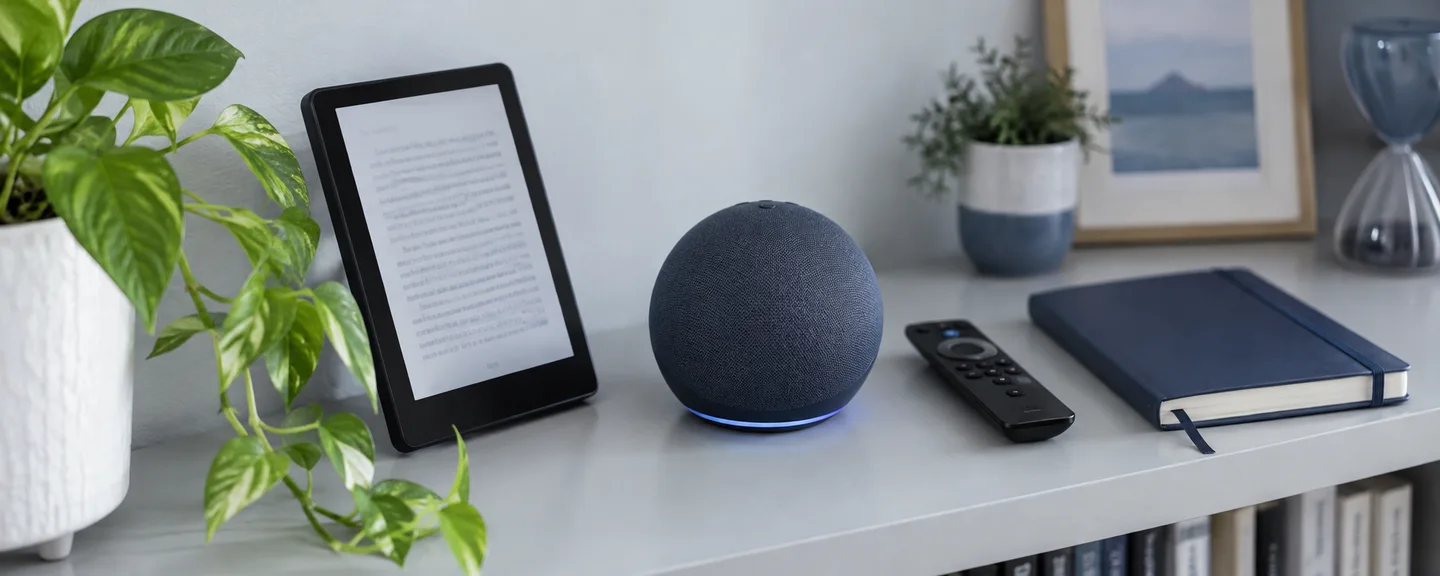
Amazon devices such as Echo, Fire TV and Kindle devices will also be deregistered and cannot be used until they are registered to another account.
Check balances, points and refunds: they cannot be used after closure
Amazon gift card balance
You can check your balance under Your Account > Amazon Gift Cards (Amazonギフトカード). Promotional coupons are not included in the balance, so check them separately.
Once the account is closed, the balance cannot be used and no new gift cards can be added. Under the Amazon Gift Card terms and conditions, a registered, unused balance cannot be transferred, exchanged for cash or used in another account, and it cannot be refunded except where required by law. Do not try to move it to another account or convert it to cash; use it up before closing. Gift cards you have sent to other people can still be used in their accounts.
Amazon Points
The Amazon Points terms state that if you close your account, you lose all points and any other rights you hold. Points also cannot be combined with those of another account or transferred.
Where refunds go
One thing that is easy to overlook is refunds going to a balance that cannot be used after closure. Refunds of a Prime membership fee paid with a gift card, and refunds for returned orders paid at a convenience store, ATM, via online banking or with electronic money, may be credited to your gift card balance. Amounts paid with Amazon Points go back to your points balance, and returns of items received as gifts are refunded as an Amazon gift card. None of these can be used after closure.
If you plan to close your account, check whether you can choose the refund method when you start a return. For credit card payments, you may be able to choose a refund to the same card; for payments at a convenience store, ATM, via online banking or with electronic money, you may be able to register a bank account and choose a refund by bank transfer. Confirm that you have received the refund completion email and that the refund is reflected in your balance before closing.
Stop recurring subscriptions and wrap up transactions in progress
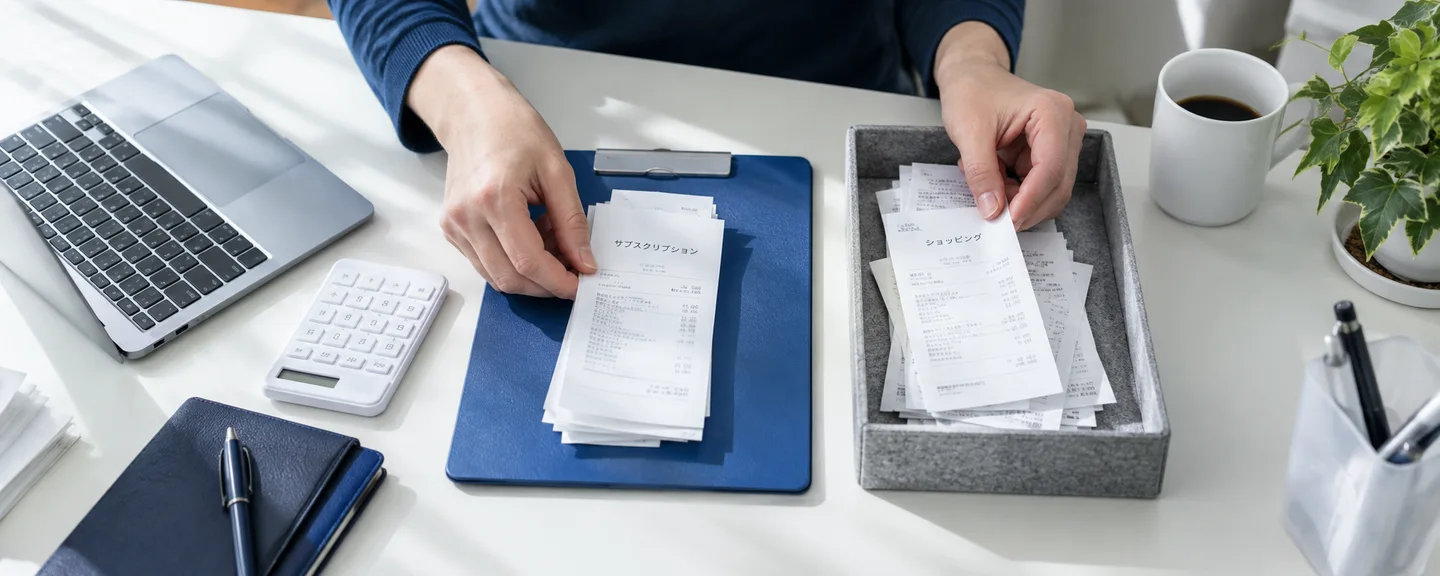
Before closing, sort your transactions into those to stop, those to wait on until complete, and those to cancel if you are still in time.
| Action | What and where to check | Notes |
|---|---|---|
| Stop | Subscribe & Save (定期おトク便) (the subscription management page) | Orders are placed automatically at the set frequency until you cancel |
| Stop | Kindle Unlimited (Manage Kindle Unlimited membership (Kindle Unlimited会員登録を管理) > Membership (会員資格) > Cancel membership (メンバーシップを解約する)) | If you signed up through Google Play billing, cancel in the Google Play Store |
| Stop | External services paid with Amazon Pay (the payment settings of each service) | For subscriptions, you must give the provider a new payment method yourself. Orders not charged before closure may be charged when they ship |
| Stop | Amazon Prime (Amazon Prime membership information (Amazonプライム会員情報) > Prime membership information (プライム会員情報)) | Paid members who have not used any benefits can receive a full refund of the fee for the current membership period (processed within 2 to 3 business days) |
| Wait until complete | Orders being returned (Return or replace items (商品を返品または交換する) in Your Orders (注文履歴)) | For most items, returns are accepted within 30 days of delivery |
| Cancel if still in time | Orders not yet shipped (Cancel items (商品をキャンセル) in Your Orders) | You can cancel only before shipping preparation begins. If the button is not shown, the order cannot be canceled. For orders shipped by Amazon.co.jp, refuse delivery or start a return after receiving the item (except for items that cannot be returned for customer reasons) |
How long a refund takes depends on the payment method. According to Help, for credit card, convenience store and ATM payments and the like, the guideline is about 1 to 3 days after the returned item is received. In addition, it may take about 2 to 5 days (about 10 days for high-value items and similar) from arrival at the fulfillment center until processing is complete. The return process is covered in our overview of the return procedure.
After closure, you also can no longer check past orders through Amazon Pay or file Amazon A-to-z Guarantee claims. Resolve any problem orders on external online stores before closing.

Keep records and data: receipts and personal information requests
Once the account is closed, you can no longer view your order history or print receipts and purchase statements. On the other hand, not all records are necessarily erased from Amazon. Help states that Amazon normally retains transaction data such as order dates, shipping addresses and payment methods in order to respond to legal claims and prevent fraud (this statement refers to European law, and no retention period for Japan is given). Because you will no longer be able to see this data yourself, save what you need before closing.
Save receipts and purchase statements
In Your Orders, open Receipts, etc. (領収書等) > Receipt / Purchase Statement (領収書/購入明細書) for the relevant order, then print or save it using your browser's print function. You cannot print from the Amazon Shopping app, so use a browser on your computer or smartphone (for orders that cannot be printed from a smartphone browser, use a computer). For business orders that require a qualified invoice (インボイス, 適格請求書), obtain it before closing by following the Help page "About invoices (qualified invoices)" (インボイス(適格請求書)について).
Get your information with "Request Your Data"
On the Request Your Data (データをリクエストする) page, select the information you want and choose Submit Request (リクエストを送信する). Then open the verification link in the confirmation message sent to your email or mobile phone, and once the data is ready you can download it from a secure link. Help does not say how many days preparation takes, so submit your request with plenty of time to spare and close the account only after you have finished downloading.
If you used the account for business
According to Japan's National Tax Agency, transactions through websites also count as "electronic transactions" under the Electronic Books Maintenance Act, and those required to keep records for income tax and corporate tax purposes must retain the transaction data subject to certain requirements. The retention period is in principle seven years for corporations, among other rules, but it varies by business type and type of tax return, so check the specific retention method and period with a tax accountant.

The closure procedure: working back from your date and the request flow
Here are the checks covered so far, arranged by working back from your planned closure date.
Do early (allowing for the days needed for returns, refunds and data preparation)
- Check whether your sign-in details are shared with your selling account
- Sort out Subscribe & Save, Prime, Kindle Unlimited and external subscriptions
- Cancel unshipped orders and request returns
- Submit a Request Your Data request
Check right before closing
- That refunds are complete and reflected in your balance
- That your gift card balance and points are used up
- That receipts are saved and the data you requested is downloaded
- That family members who share your devices have been informed
STEP 1. Check which account you are signed in to
Closure is done account by account. If you switch between multiple accounts using Account & Lists (アカウント&リスト) > Switch Accounts (アカウントの切り替え), confirm that you are signed in to the account you want to close.
STEP 2. Sign in on the account closure page
Open the closure page from the Help page "Request to close your account and delete your personal information" (アカウントの閉鎖と個人情報の削除をリクエストする) and sign in. If you cannot sign in, first recover access by resetting your password or similar (see what to check when you cannot sign in).
STEP 3. Review the linked products and services
Review the products and services that are displayed, and if there are any you want to keep using, such as Seller Central, AWS or KDP, stop the procedure. However, what is actually displayed cannot be seen without signing in, and we have not been able to verify it for this article. Amazon has not officially stated whether Seller Central appears in the list either, so even if it is not shown, if you use a selling account with the same sign-in details, do not proceed at this point; contact Amazon first.
STEP 4. Choose a reason and request closure
Choose a reason for closing from the drop-down menu, select the box next to "Yes, I want to permanently close my Amazon account and delete my data" (はい、Amazonアカウントを完全に閉じてデータを削除します), and then select Close My Account (アカウントを閉じる).
STEP 5. Reply to the confirmation notice within 5 days
After you submit the request, a confirmation notice is sent by email or text message (SMS), and you are instructed to reply within 5 days to confirm the request. Submitting the request alone does not complete the closure. Help does not say what happens if the deadline passes or how many days it takes to complete, so follow the notice and keep a record of the notice and your reply.

When you do not need to close your account, and decisions to avoid
Because closure cannot be undone, first consider whether you can achieve your goal another way.
| Goal or situation | Options other than closure |
|---|---|
| You only want to stop charges for Prime, Kindle Unlimited or Subscribe & Save | Cancel only those individual services (your account, balance and purchased content remain as they are) |
| You want to take a break from selling for a while | Use the vacation setting under Settings > Account Settings (アカウント設定) > Listing Status (ストアのステータス). FBA listings remain active. Even while listings are inactive, you must process return requests and reply to buyer emails within 24 hours. Pending orders are not canceled automatically, and the monthly subscription fee for the Professional selling plan is still charged |
| You do not want to pay the monthly subscription fee | Switch from the Professional selling plan to the Individual selling plan (what to check before switching to the Individual plan) |
| You want to stop selling | Close your selling account, not your buyer account (Settings > Account Info (出品用アカウント情報) > Close Account (アカウントを閉じる)) |
"Not working" does not necessarily mean closed
If unusual payment activity is detected, your account may be temporarily placed "on hold," and you may lose access to all services, including Prime and Kindle. In this case, check for a message saying your account is on hold (アカウントが保留中), then sign in, fill out the form and attach the required documents to go through the reinstatement procedure. For how to find the cause, see what to check when your buyer account is not working.

Verify the sender of any email saying your account was closed
Even if you receive an email saying something like "Your account has been closed," do not sign in through links in the email; instead, check in Message Center (メッセージセンター) whether it actually came from Amazon.co.jp. Creating a sense of urgency, or asking for personal information, payment outside Amazon or payment with gift cards, are considered warning signs of impersonation. If you cannot tell, you can follow the Help page "Identifying fraudulent communications" (詐欺目的の連絡を見分ける) and forward the message using the form or to the address provided to ask whether it came from Amazon.
Do not close a suspended account and start over
If your selling account is suspended, avoid closing it and creating a new one. The Seller Code of Conduct states that you may maintain only one Seller Central account for each region where you sell, unless you have a legitimate business need and all of your accounts are in good standing. Creating a new account while you still have a suspended one does not meet the condition that "all of your accounts are in good standing," so it violates the policy and may make your situation worse. In addition, the Help page on closing a selling account requires you to confirm that all reasons for any suspension have been resolved before closing, so you may not be able to simply close a suspended account and be done with it. The difference between suspension and closure is explained in how to tell suspension and closure apart.
Frequently asked questions
Q. I requested closure, but I can still sign in.
A. Check whether you replied to the confirmation notice. Amazon has not officially stated how many days it takes to complete, so contact Customer Service if anything is unclear.
Q. Will third-party gift cards I bought on Amazon also become unusable?
A. According to Help, third-party gift cards purchased on Amazon remain valid on that third party's site. What becomes unusable is the Amazon gift card balance registered to your account.
Q. Does closure affect my accounts on Amazon sites in other countries?
A. Closure is said to affect services linked to the same email address and password on Amazon sites worldwide. If you use a buyer account on an Amazon site in another country, check that country's Help pages as well.
Q. What if a staff member closes their own Amazon account?
A. Amazon has not officially stated the impact on the selling account, so first review that staff member's permissions under Settings > User Permissions in Seller Central. Help states that sellers are responsible for the actions of users they add to their account.
Q. If I closed (deleted or canceled) my account myself, can it be undone?
A. No. Once the closure of a buyer account is complete, you cannot access or restore it, and to use Amazon again you will need to create a new account. Submitting the request alone does not complete the closure, so if you have not yet replied to the confirmation notice, also check STEP 5 and the first question above. A selling account that you close yourself likewise cannot be reactivated, even by Amazon, and to sell again you will need to register a new account (the difference between suspension and closure). Note that the Help guidance to "Create a new account" refers to cases where you closed your own account. If Amazon has suspended your selling account, avoid closing it and creating a new one, as explained above.
Summary
Closing a buyer account is a procedure that cannot be undone once it is complete. Note that even after you submit the request, closure is not complete until you reply to the confirmation notice.
- If your Seller Central and buyer account share the same sign-in details, sort out the situation on the selling side and contact Amazon in advance
- Your gift card balance and points become unusable after closure. Choose your refund method and confirm that refunds are complete
- Stop recurring subscriptions, wrap up orders and returns, and save receipts and data
- After submitting the request, reply to the confirmation notice within 5 days and keep a record
- If you only want to stop charges, or to pause or stop selling, consider options other than closure first
If you are unsure whether to close your account, check with Amazon's official support channels before starting the procedure. If a selling account suspension or held sales proceeds are involved, keep a record of your inquiries before closing, and make your decision only after sorting out the situation.
Unsure whether to close your account?
If a selling account suspension or held sales proceeds are involved, we can help you sort out your situation at no cost before you close your account. Consultations are free, as often as you need.
 Free consultation, 24/7
 *This article provides a general explanation. The appropriate response in individual cases depends on the circumstances.
Further reading
 Distinguishing Amazon seller account suspension from closure: notices and reinstatement inquiries Read article →
  Preparing to close an Amazon seller account: outstanding orders, inventory and payments Read article →
  From Amazon account suspension to an appeal: reviewing the notice and planning your response Read article →